
Free AI Watermark Remover – Remove Watermark from Image Online

Erase logos, text, timestamps, and unwanted overlays automatically. Upload your image and get a clean result in seconds.

or drop a file

No image? Try one of these:

example image
example image
example image
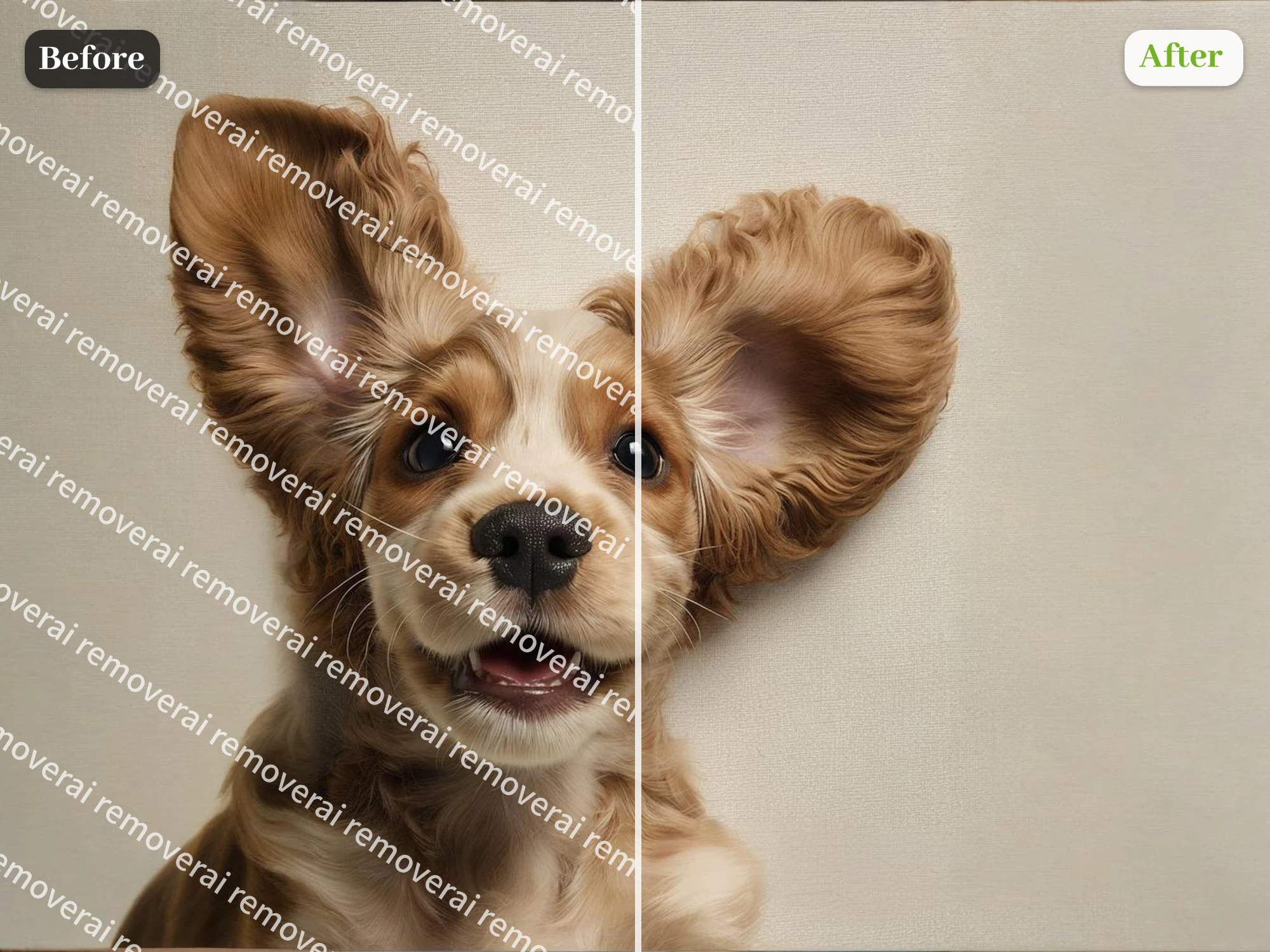
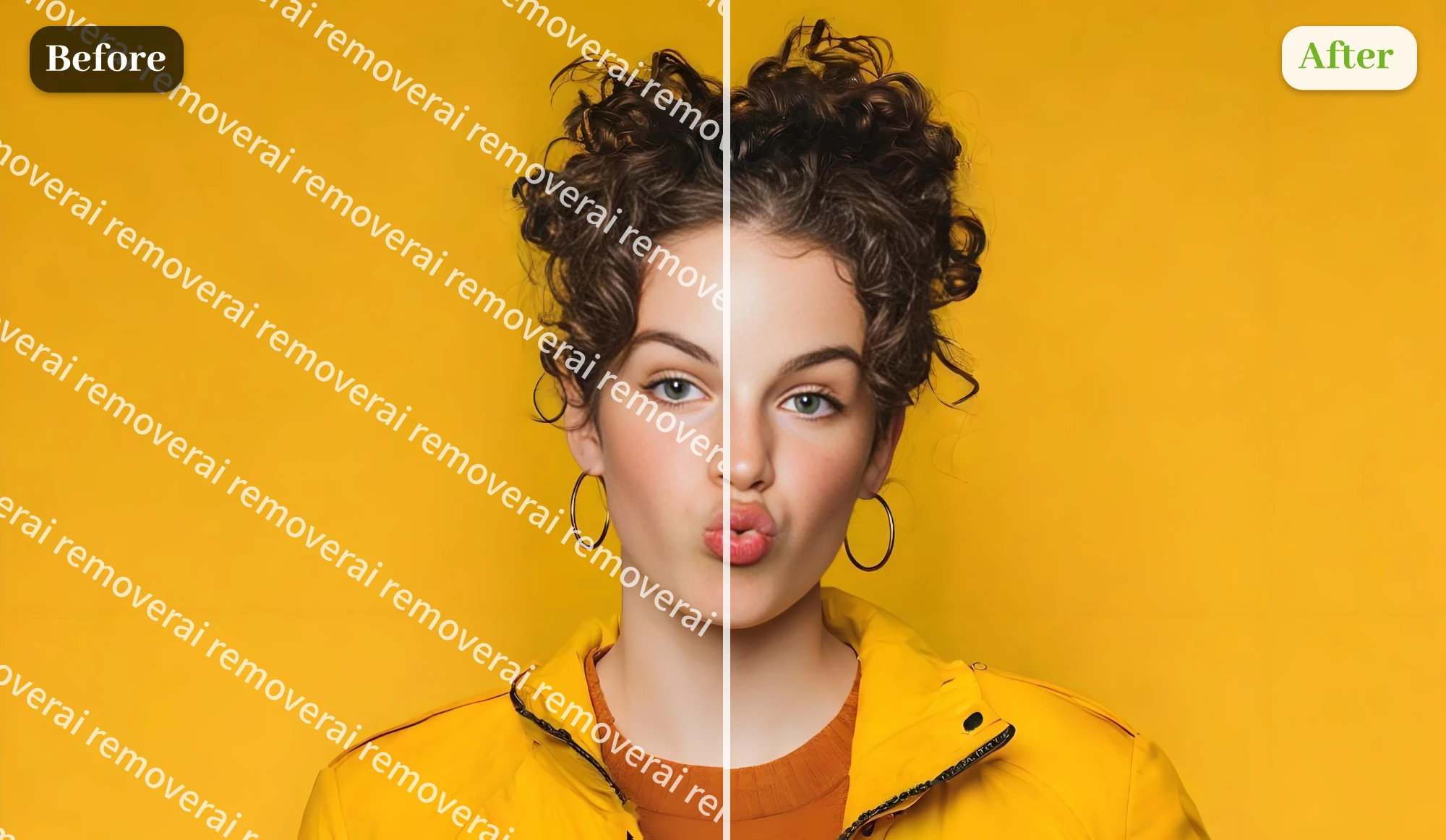
AI watermark remover after

See the Difference Before and After AI Watermark Removal

How to Remove Watermarks from Images with AI

Upload an Image with a Watermark

1. Upload an Image with a Watermark

Upload any photo containing logos, text, or unwanted marks. Free AI watermark remover supports common formats like JPG and PNG, including high-resolution images.

Let the AI Remove Watermark Automatically

2. Let the AI Remove Watermark Automatically

Our AI analyzes the image and removes the watermark naturally. Processing usually takes a few seconds, or up to half a minute for complex backgrounds.
Refine with Erase & Download Clean Results

3. Refine with Erase & Download Clean Results

Preview the result, then use the erase tool to remove any remaining details you don’t want. Download a clean image instantly.

Remove Watermarks from photo online for Real-World Use

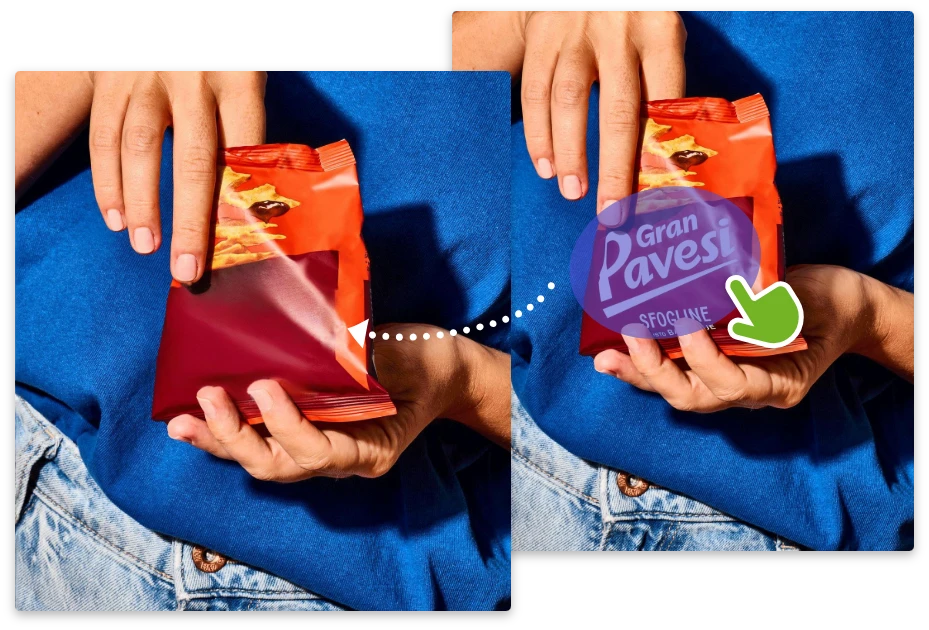
Turn Watermarked Product Photos into Sales Assets

Supplier or marketplace watermarks can make product images look unprofessional. Remover AI's free AI watermark remover helps you remove watermark from image files while preserving texture and lighting. Upload once, process instantly, and download clean visuals ready for e-commerce listings—no reshoots needed.
Turn Watermarked Product Photos into Sales Assets

Post Social Images Without Platform Watermarks

Visible watermarks reduce trust and engagement. Use this AI watermark remover to remove watermark online before sharing on social platforms. The AI restores backgrounds naturally, helping creators produce clean, scroll-stopping visuals with a free remove watermark from photo workflow.

Post Social Images Without Platform Watermarks

Refresh Ad Creatives by Removing Old Logos

Outdated logos or test text weaken ad performance. With free AI watermark remover, marketers can remove watermark online and refresh banners or landing images instantly. Export high-quality visuals ready for paid campaigns—no redesign required.

Refresh Ad Creatives by Removing Old Logos

Clean Personal Photos Without Editing Skills

Timestamps or app watermarks distract from meaningful photos. Remover AI offers a free remove watermark from photo experience anyone can use. Upload your image, let the AI clean it, and keep the memory—without unwanted marks.

Clean Personal Photos Without Editing Skills

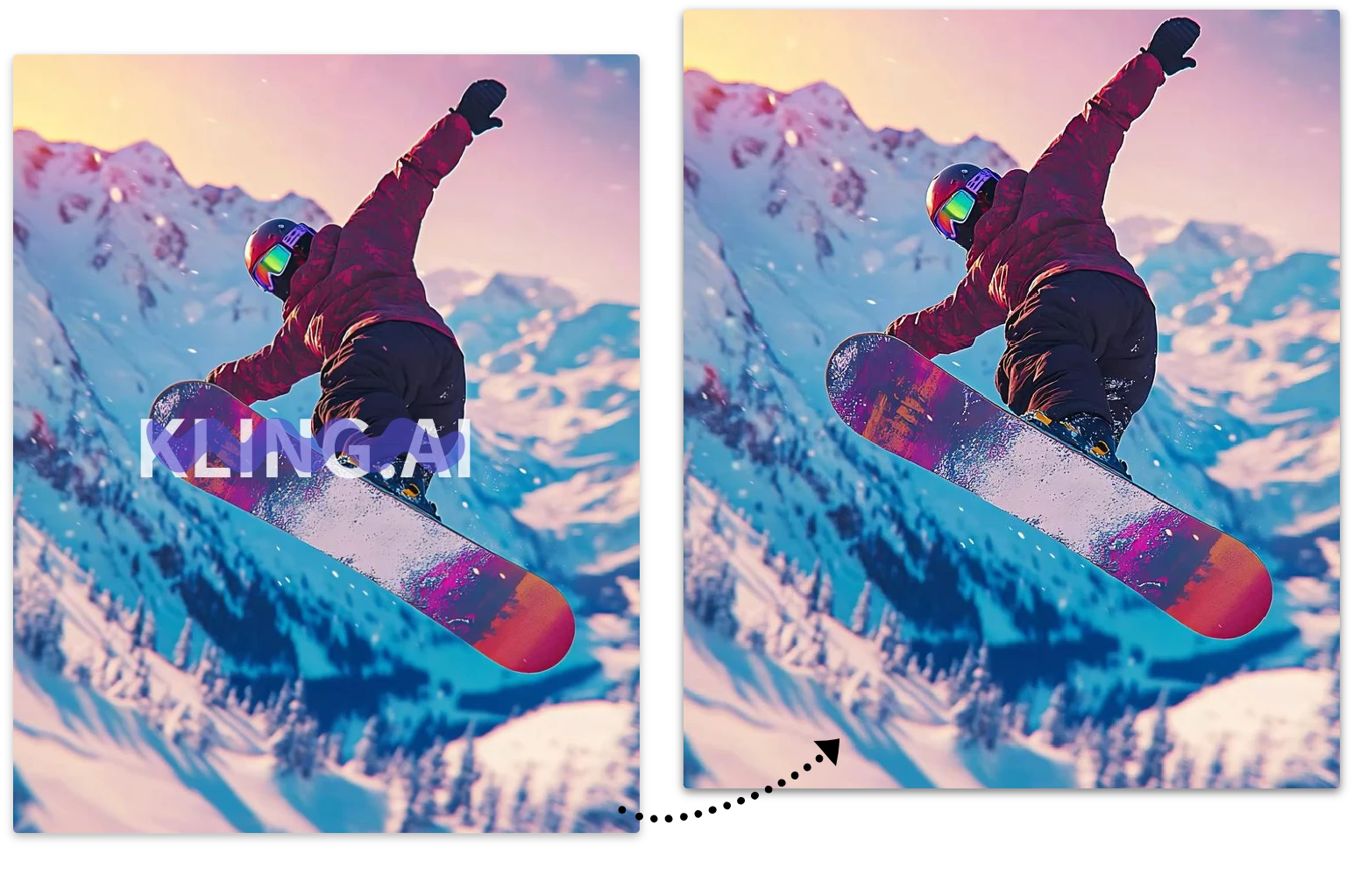
Same Quality as Kling AI Remove Watermark for Generated Images

Our AI watermark removal delivers results comparable to Kling AI remove watermark output quality and could remove watermark from images generated by Kling AI. Simply upload your image, let the AI process it, and our AI - same quality as Kling AI remove watermark online in seconds while preserving visual details.
Try Kling AI Watermark Remover from Generated Images

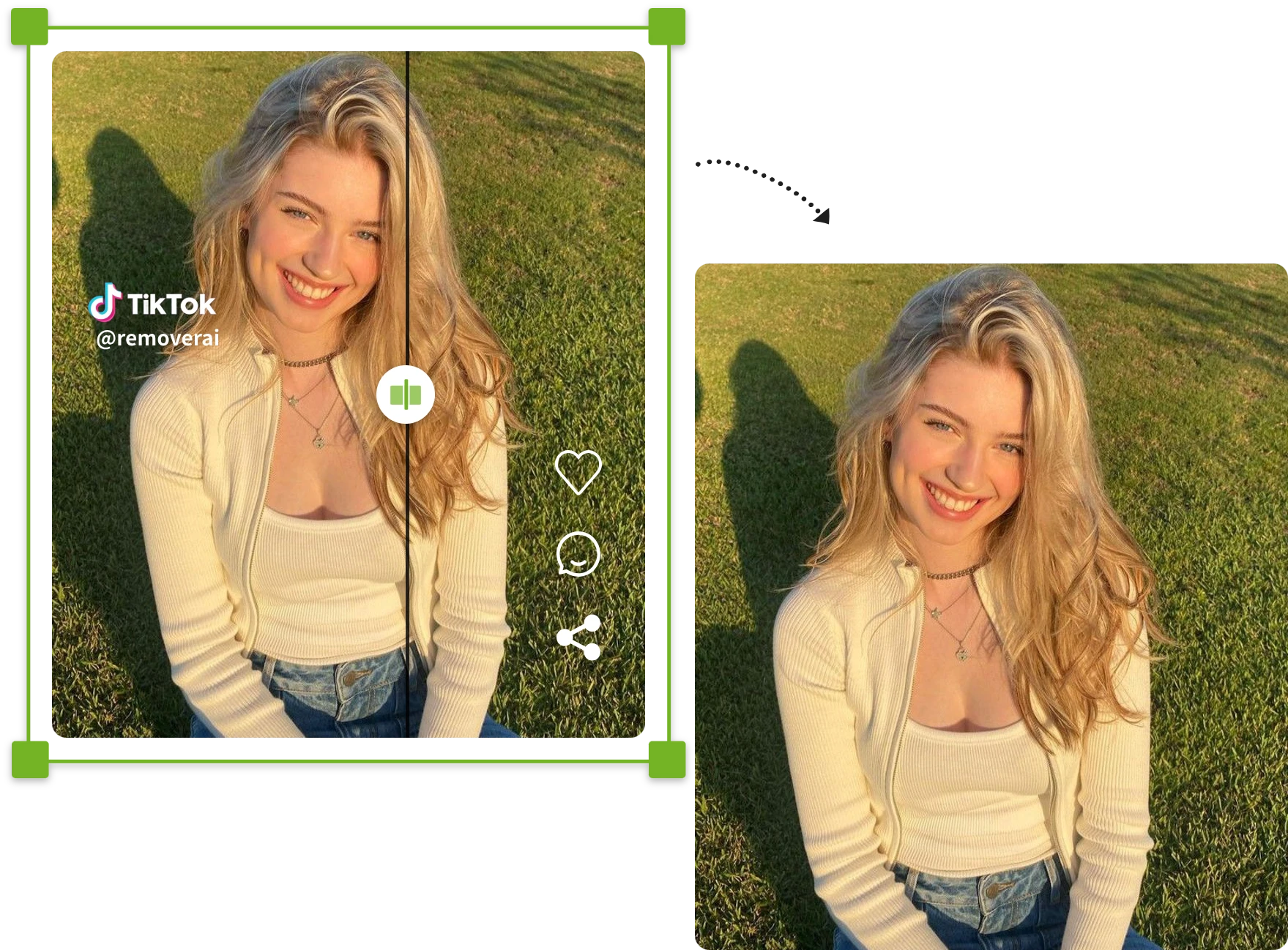
Remove TikTok & Instagram Watermarks

Easily remove TikTok logos, Instagram overlays, usernames, captions, and stickers from photos with AI. Clean up screenshots and social media images instantly while keeping the original quality sharp and natural.
Remove TikTok & Instagram Watermarks

Discover Smart AI Tools That Erase Watermarks Cleanly

Fast AI Watermark Removal with Natural Results

Our AI watermark remover automatically removes logos, text, and timestamps while restoring backgrounds, textures, and image details naturally.

Fast AI Watermark Removal with Natural Results

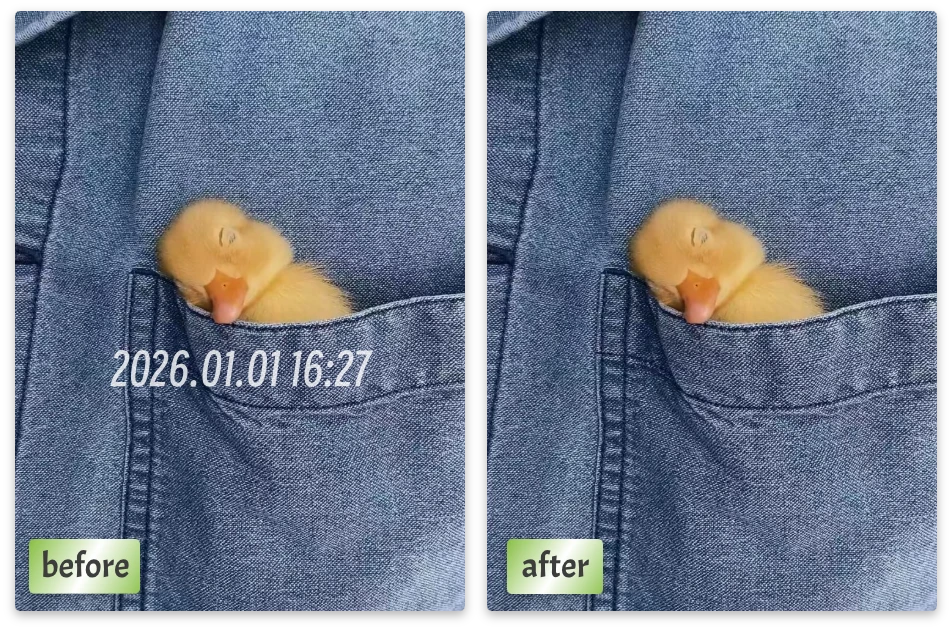
Free Online Watermark Remover for Any Image

Use our watermark remover online free tool to clean product photos, social media images, portraits, AI-generated art, and screenshots directly in your browser.
Free Online Watermark Remover for Any Image

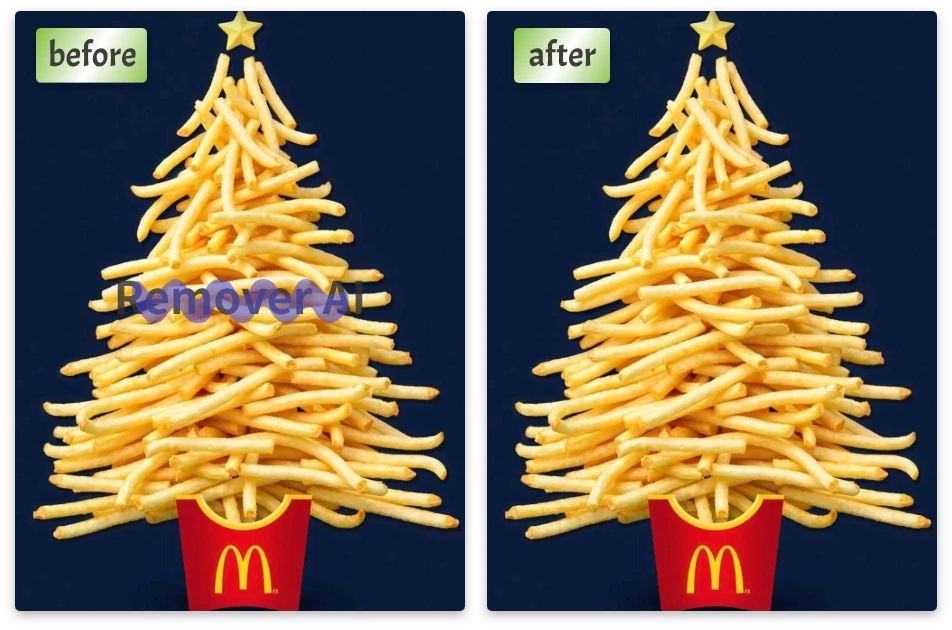
High-Quality Image Watermark Removal in Seconds

Remove watermark from photo without reducing image quality. Download clean, sharp, and professional-looking results instantly.
High-Quality Image Watermark Removal in Seconds

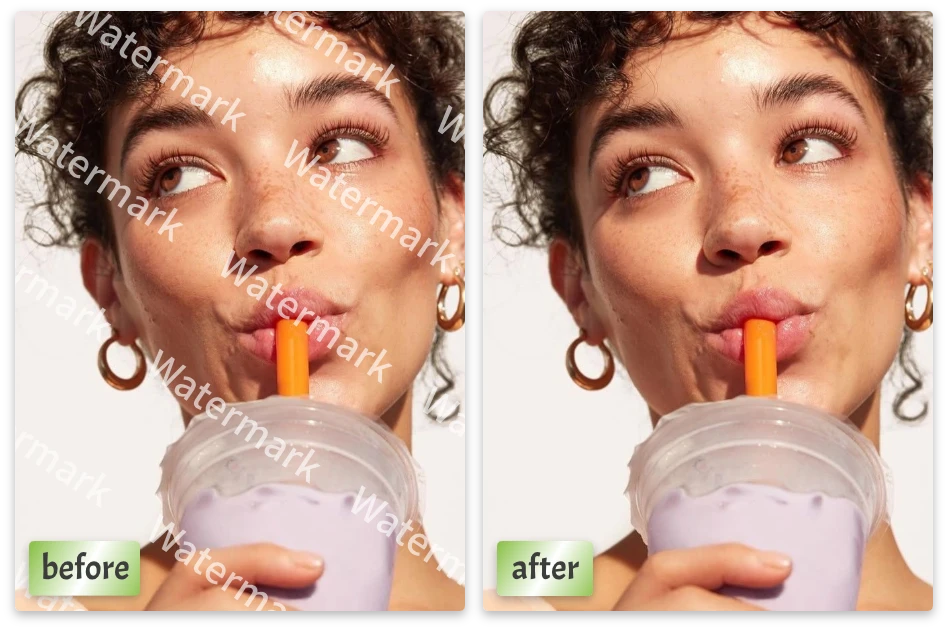
All-in-One AI Image Editing Workflow

After removing watermarks, continue editing with Remover AI for background remover, background changes, resizing, and object removal.
All-in-One AI Image Editing Workflow

See Why Creators Trust This Online Image Watermark Remover

user1
"

AI watermark remover saved me hours. The results look natural, clean, and professional, even on complex backgrounds.

Daniel K.

user2
"

I removed watermark from image online without Photoshop. Fast, accurate, and surprisingly easy to control.
Sophia M.

user3
"

Best free Image Watermark Remover I’ve used. Clean output, high resolution, and no learning curve at all.

Lucas W.

Frequently Asked Questions About AI Watermark Removal

1.What is an AI watermark remover?

Our AI watermark remover is a tool that automatically detects and removes logos, text, timestamps, and overlays from images using artificial intelligence.

2.How can I remove watermark from photo online for free?

Simply upload your image to our AI watermark remover and the tool will automatically detect and erase unwanted watermarks, logos, text, and overlays in seconds. You can remove watermark from photo online without Photoshop or manual editing.

3.What types of watermarks can this AI watermark remover remove?

Our AI watermark remover supports text watermarks, transparent watermarks, logos, timestamps, stickers, captions, and social media overlays. It also works as a watermark eraser for screenshots and AI-generated images.

4.Does this tool work as a TikTok watermark remover?

Yes. The tool works as a TikTok watermark remover that can remove TikTok logos, usernames, captions, and screenshot overlays automatically while keeping the image clean and natural.

5.Can I remove text from photo without affecting image quality?

Yes. Our AI can remove text from photo naturally while preserving textures, lighting, edges, and image sharpness for professional-looking results.

6.Can I remove logo from image online?

Absolutely. The AI can remove logo from image files, including brand marks, transparent logos, app watermarks, and unwanted graphics from photos or screenshots.

7.What image formats are supported, and what format will the output image be?

Our AI watermark remover supports JPG, JPEG, PNG, and WEBP files. After editing, the cleaned image will be downloaded as a high-quality PNG output for better clarity and transparency support.

8.Does the watermark eraser preserve the original image quality?

Yes. The AI watermark eraser intelligently reconstructs removed areas to maintain natural textures, backgrounds, and fine details without blurry patches.

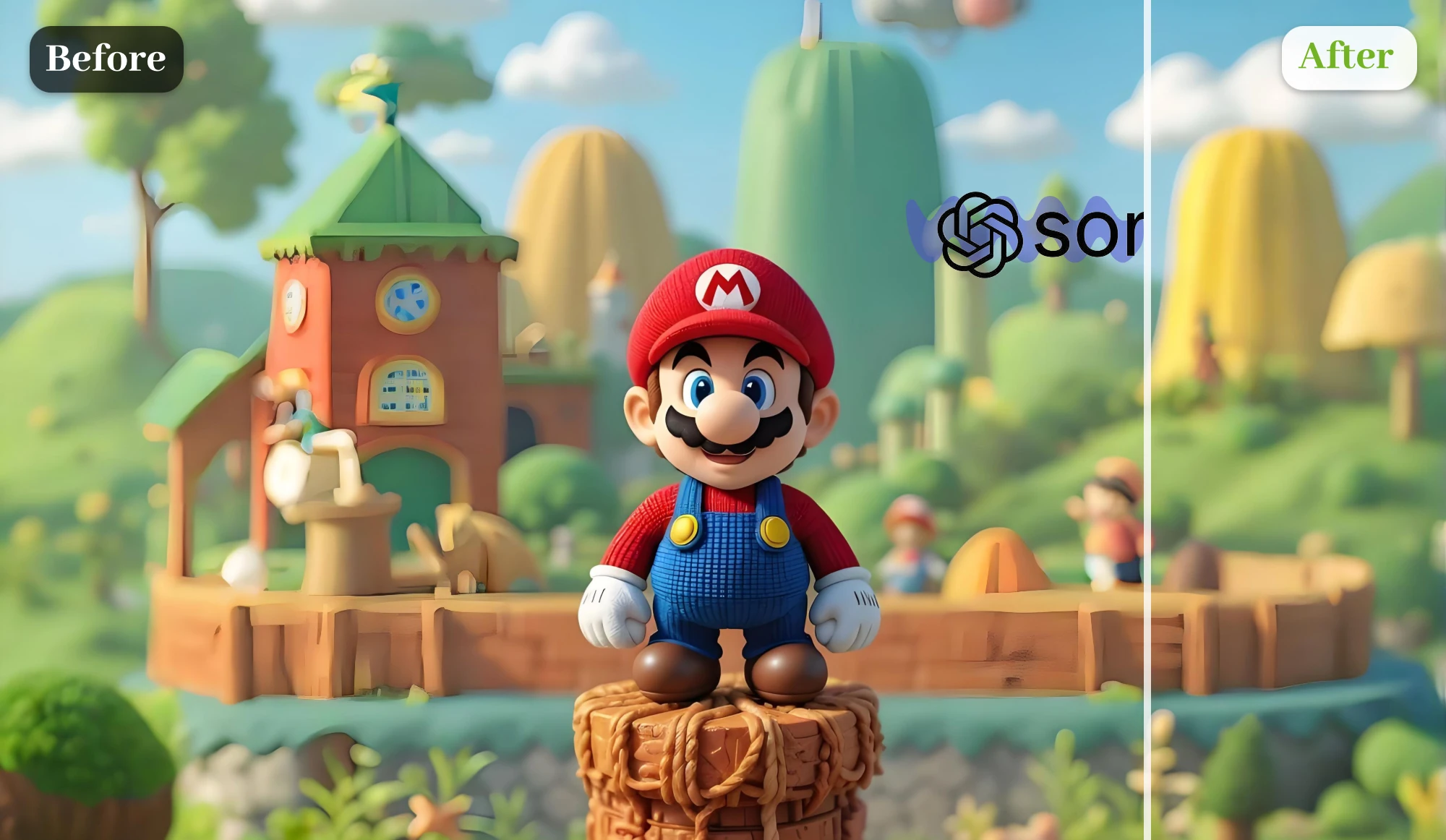
9.Can I use this tool as a Sora watermark remover?

Yes. Many users use the tool as a Sora watermark remover to clean AI-generated images, visible branding marks, overlays, and exported watermarks automatically.

10.Can I use the AI watermark remover on mobile devices?

Yes. The AI watermark remover works on phones, tablets, and desktop browsers without installing any software or apps.

Stop Editing. Let AI Remove Watermarks for You.

Turn watermarked images into clean, professional visuals in seconds. Use Remover AI's AI watermark remover online—fast, accurate, and effortless.