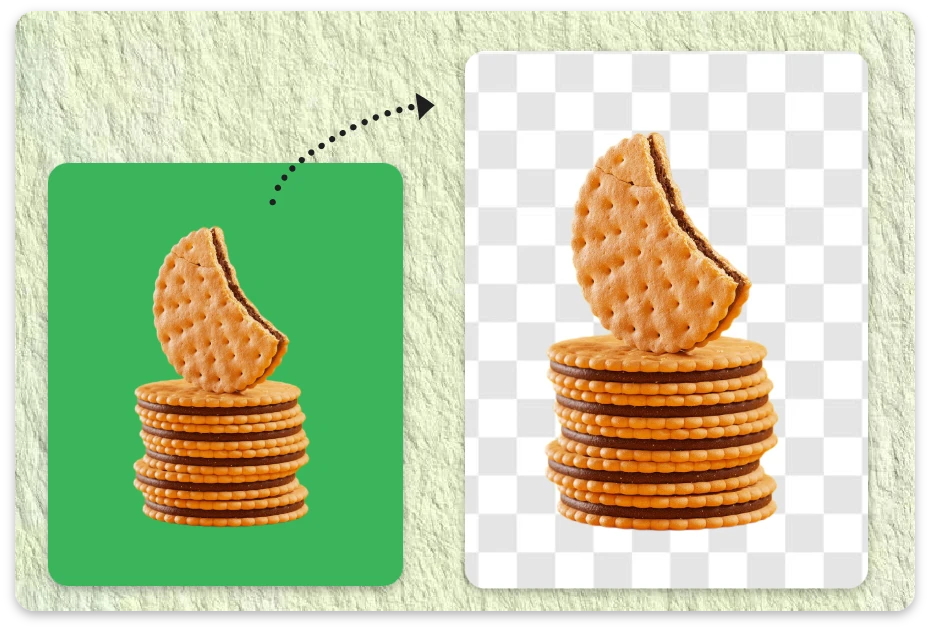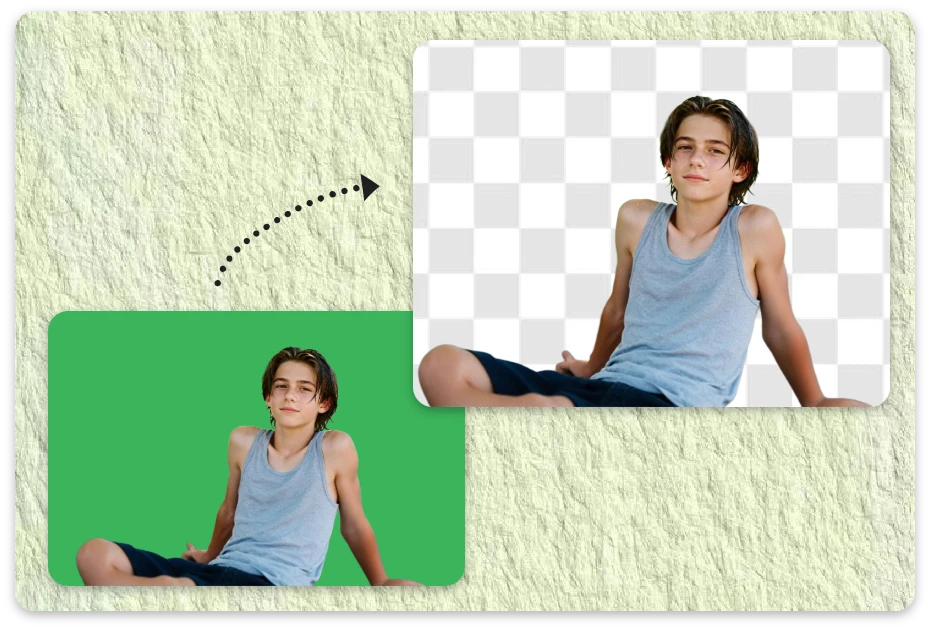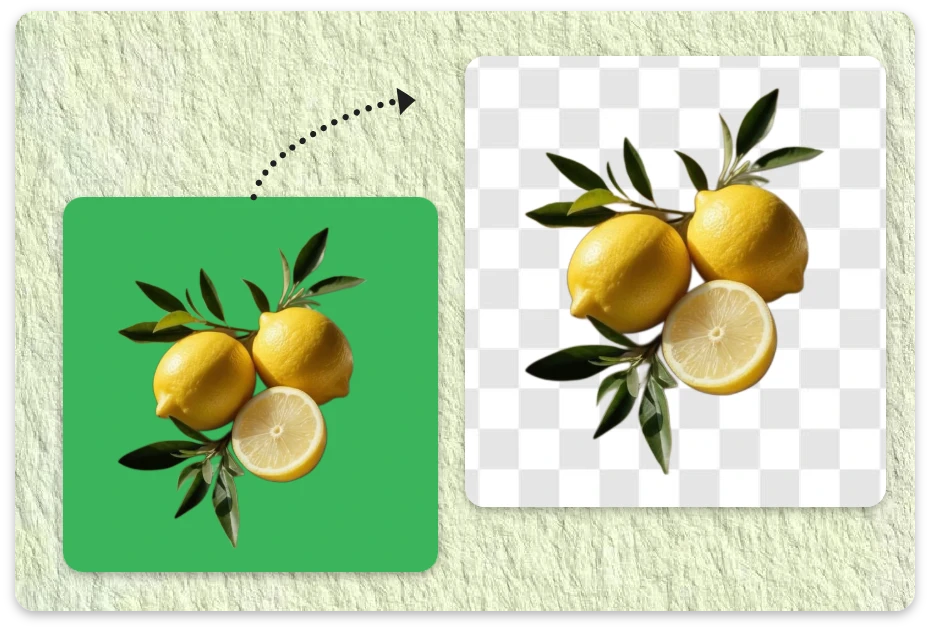
Free AI Green Screen Remover Built for Creators Who Need Fast, Clean Results

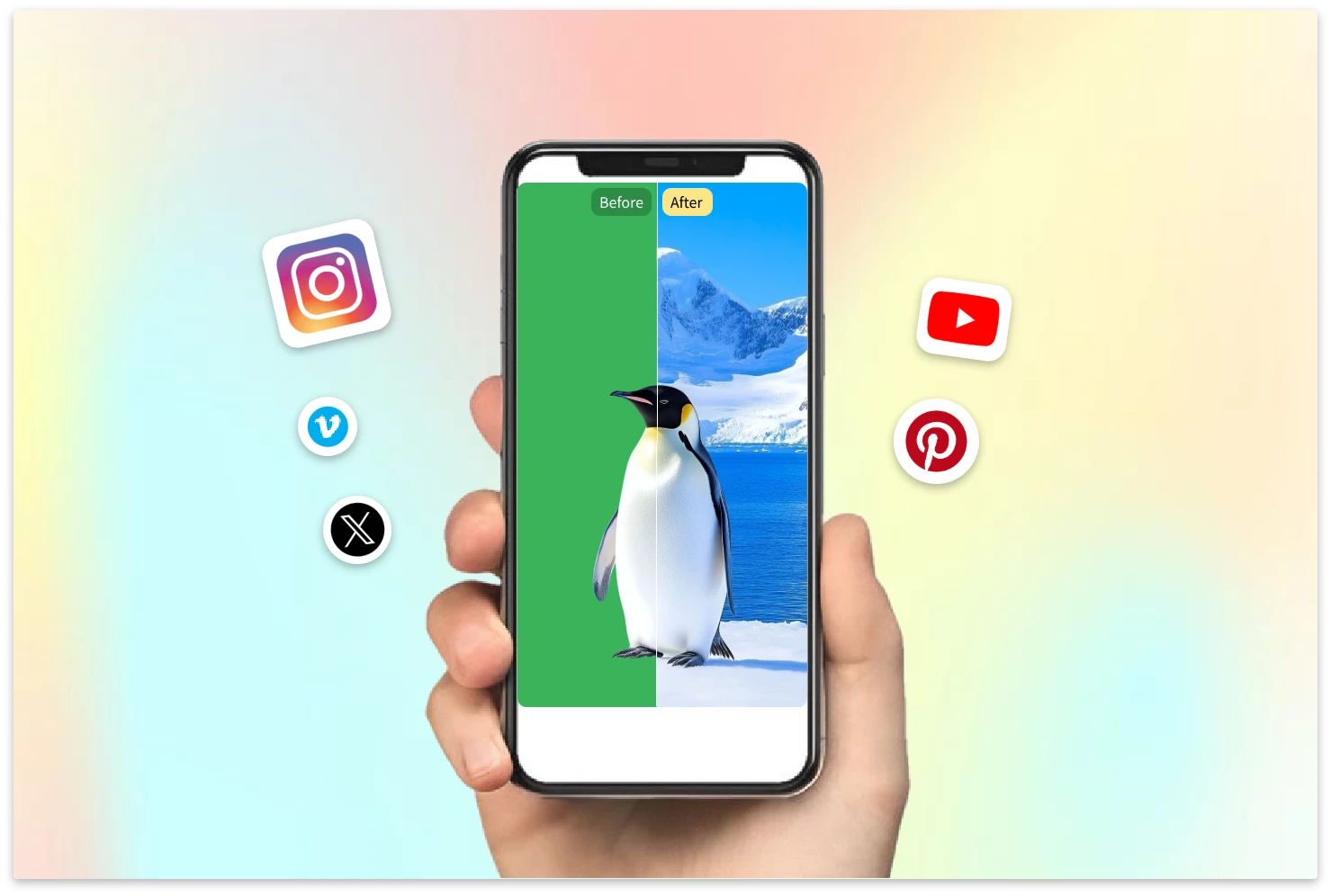
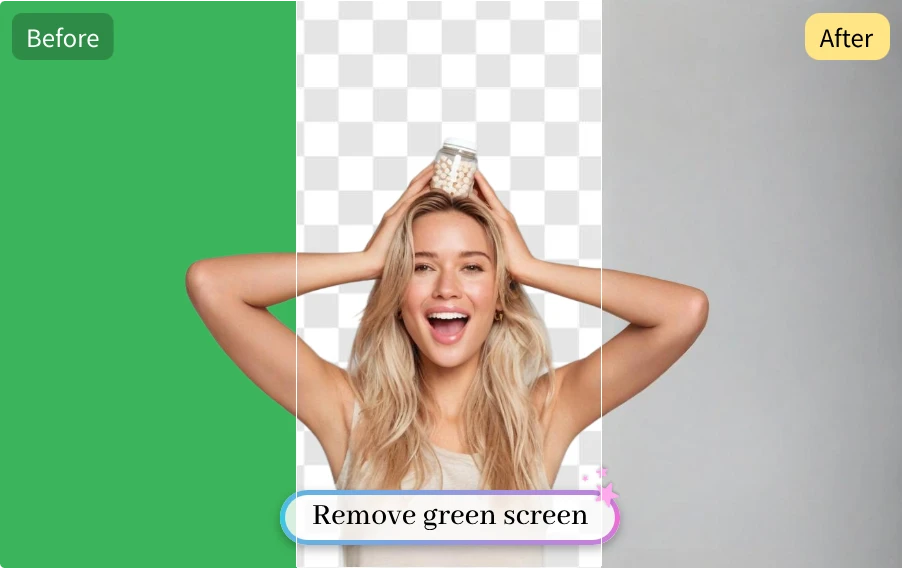
Upload your image or video and watch the green background disappear in seconds. Clean, fast, and ready to create.

or drop a video/image

Supported formats: MP4, WEBM, PNG, JPG

Max 60s for video

No video/image? Try one of these:

Example 1
Example 1
Example 1
video-remove-example

How to Remove Green Screen from Image or video in Seconds

Upload your image & video

1. Upload your image & video

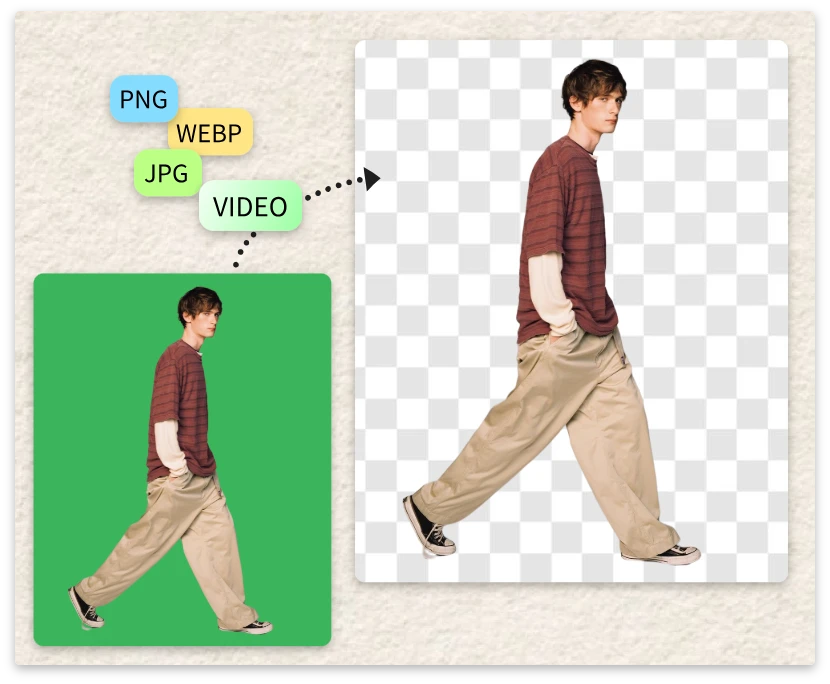
Upload or drag your file into the AI green screen remover. The system automatically detects the green background, so you don’t need manual selection or editing skills.

Let AI do the work

2. Let AI do the work

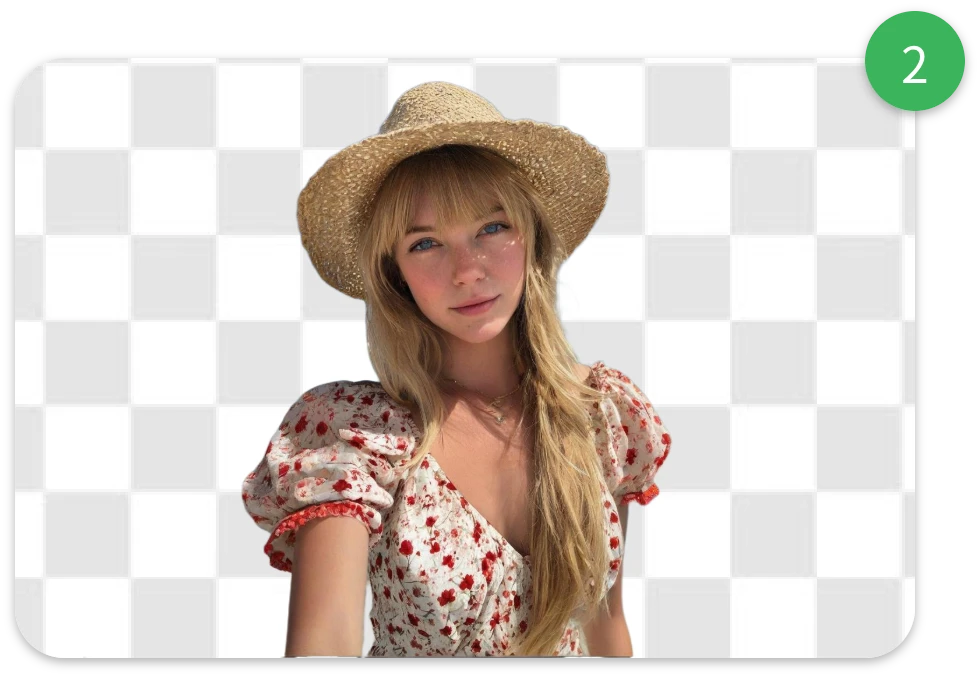
Our engine performs advanced green screen removal in seconds. Most images & videos finish in just a few moments, even with complex edges and fine details.

Preview and download

3. Preview and download

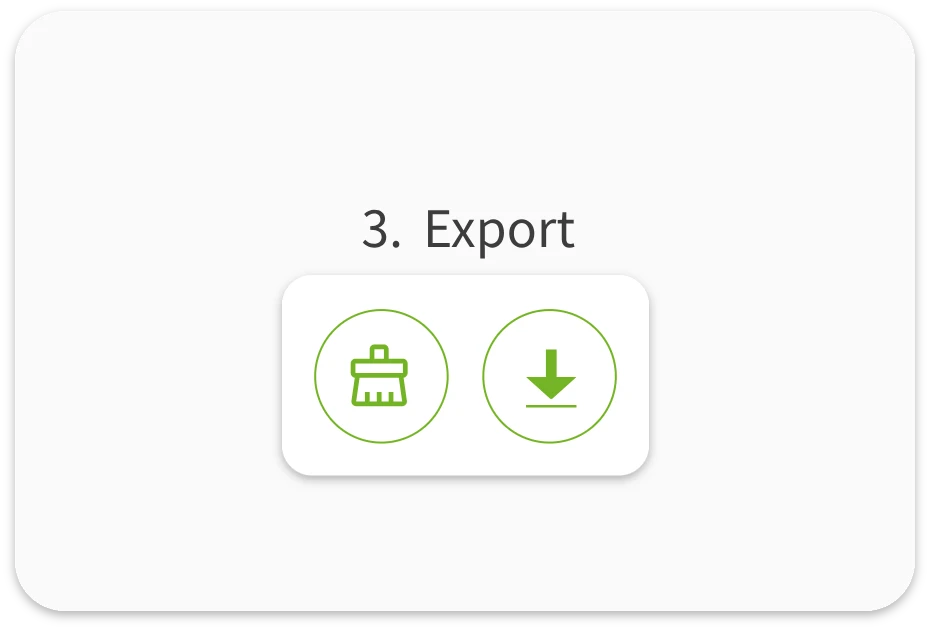
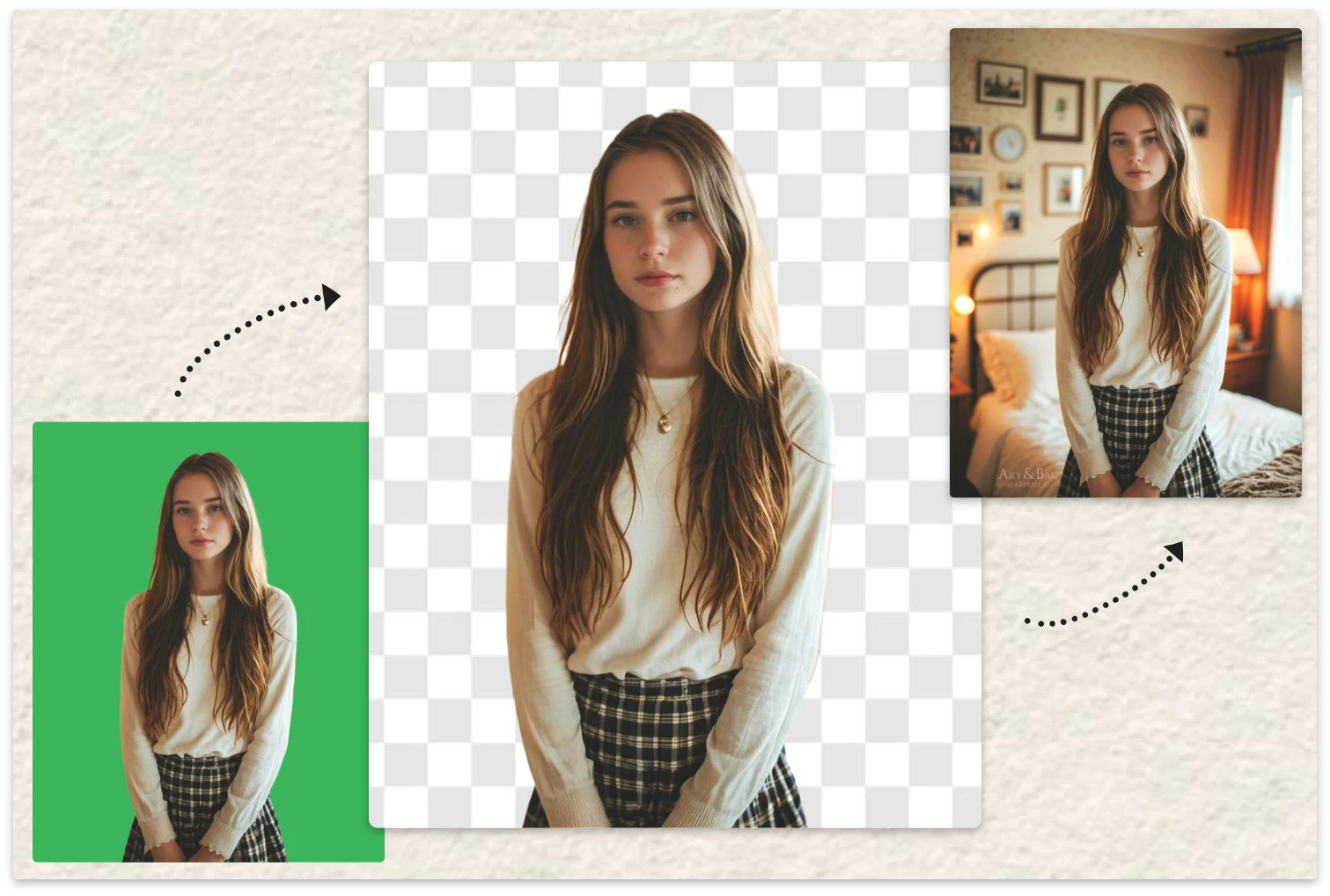
Preview the transparent result and download instantly. Need extra cleanup? Use the built-in erase tool to fine-tune unwanted areas with precision.

Popular Ways to Use AI Green Screen Remover in Real Projects

Remove Green Screen for Eye-Catching Social Media Content

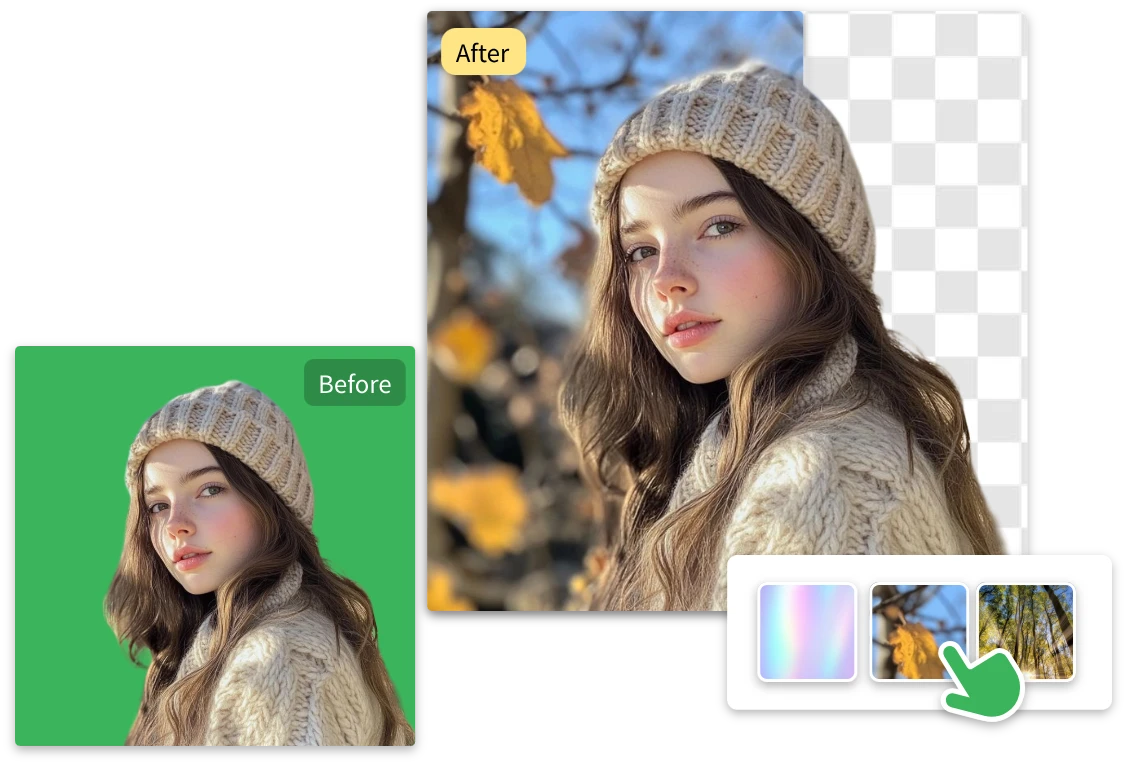
Posting consistently is hard enough. Fast green screen removal helps you drop yourself or your product into trending scenes without manual editing. Your content looks sharper with less effort.

Remove Green Screen for Eye-Catching Social Media Content

Use Free Background Remover for E-commerce Product Images & Videos

Product photos need to look clean and consistent. This green screen video remover online helps you process large batches quickly, making your store visuals look more professional and trustworthy.

Use Free Background Remover for E-commerce Product Images & Videos

Speed Up Marketing Design with AI Green Screen Removal

Campaign deadlines come fast. Our AI background removal workflow helps you produce polished creatives quickly, so your ads and promotions never get stuck waiting on manual edits.

Speed Up Marketing Design with AI Green Screen Removal

Produce Professional Visuals Without Complex Editing Tools

Not everyone wants to fight with Photoshop. The green screen remover gives you clean, professional cutouts in seconds, so you can focus on creating instead of troubleshooting.

Produce Professional Visuals Without Complex Editing Tools

Powerful AI Green Screen Remover Designed for Speed and Clean Results

Fast AI Green Screen Removal for Clean Transparent Images

  • Waiting kills momentum. This AI green screen remover is optimized for speed, delivering smooth cutouts in seconds. Whether you’re editing one image or processing many, the workflow stays fast and frustration-free.

High-Quality AI Green Screen Video Remover

  • We use a dedicated AI pipeline designed specifically for video. Our green screen video remover analyzes frames intelligently to keep edges smooth and subjects clear while processing fast.

One-Click Tool to Remove Green Screen Without Manual Editing

  • You shouldn’t need complex software just to remove green screen. With one click, the AI handles heavy lifting and produces a transparent image you can use right away.

Built-In Eraser to Refine Your Background Removal Results

  • Need more control? After automatic processing, use the eraser to fine-tune edges. It’s fast, simple, and perfect for creators who want pixel-level polish.

Free Background Remover That Works Directly in Your Browser

  • No downloads. No heavy software. This free green screen video remover runs fully online, so you can process images anywhere inspiration strikes. Lightweight but powerful.

Remove Green Screen from Image Files in Multiple Formats

  • Upload JPG, PNG, or WebP and remove green screen from image or video files without conversion headaches. The tool fits smoothly into your existing creative workflow.

Why More Creators Are Switching to This AI Green Screen Remover

Emily R.
"

I tried several tools, and this AI green screen remover is by far the fastest. Clean results every time.

Emily R.

Marcus T.
"

The green screen removal quality surprised me. Even hair edges look natural and sharp.

Marcus T.

Lena K.
"

Super easy to remove green screens from image & video files. The free background remover works great online.

Lena K.

Green Screen Removal FAQ — What Users Want to Know

1. What is an AI green screen remover and how does it work?

It’s an automated tool that detects and removes green backgrounds using AI. The system analyzes your image or video frames, separates the subject, and outputs a transparent result in seconds.

2. How accurate is automatic green screen removal technology?

Very accurate in most cases. The AI removal engine is trained to preserve fine edges like hair and fingers while removing the background cleanly in both images and video clips.

3. Can I remove the green screen from image or video files for free?

Yes. This free background remover lets you process images and remove green screen video backgrounds online without installing software or paying upfront.

4. Which formats work best for AI background removal?

JPG, PNG, and WebP images work well, and common video formats are also supported. High-contrast visuals usually produce the cleanest results after green screen removal.

5. How long does AI background removal usually take?

Most images process within a few seconds. Video clips may take a bit longer depending on length, but the AI system is optimized for fast processing.

6. Can I manually improve the green screen remover result?

Absolutely. After automatic processing, use the eraser tool to refine edges or remove any remaining green areas quickly.

Start Using the AI Green Screen Remover Now

Upload your image or video, remove the green screen automatically, and get a clean transparent result in seconds. No downloads, no design skills, no friction.