Remove Unwanted Person from Photos in Seconds with AI

Upload a photo and let AI remove person from photo in seconds. Clean images, no editing skills needed.

or drop a file

No logo? Try one of these:

Example 1
Example 1
Example 1
Remove Unwanted Person from Photos in Seconds with AI

Quickly Remove People from Photos with Easy AI Steps

Upload Your Image

1. Upload Your Image

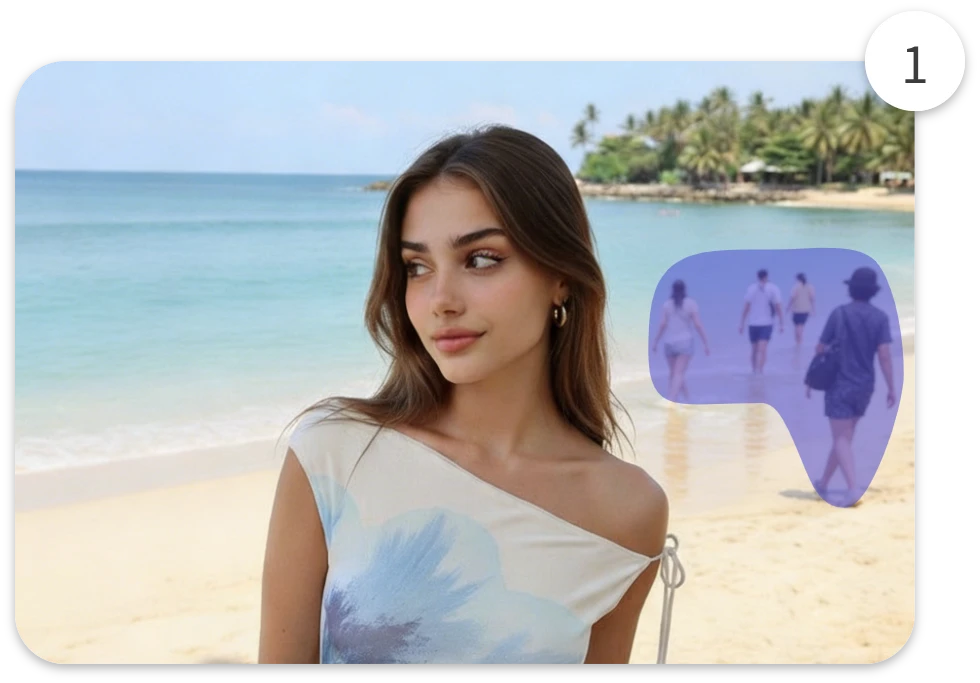
Upload any photo where you want to remove the person from the photo. Our AI scans the scene and detects unwanted people automatically.
Let AI Remove the Person

2. Let AI Remove the Person

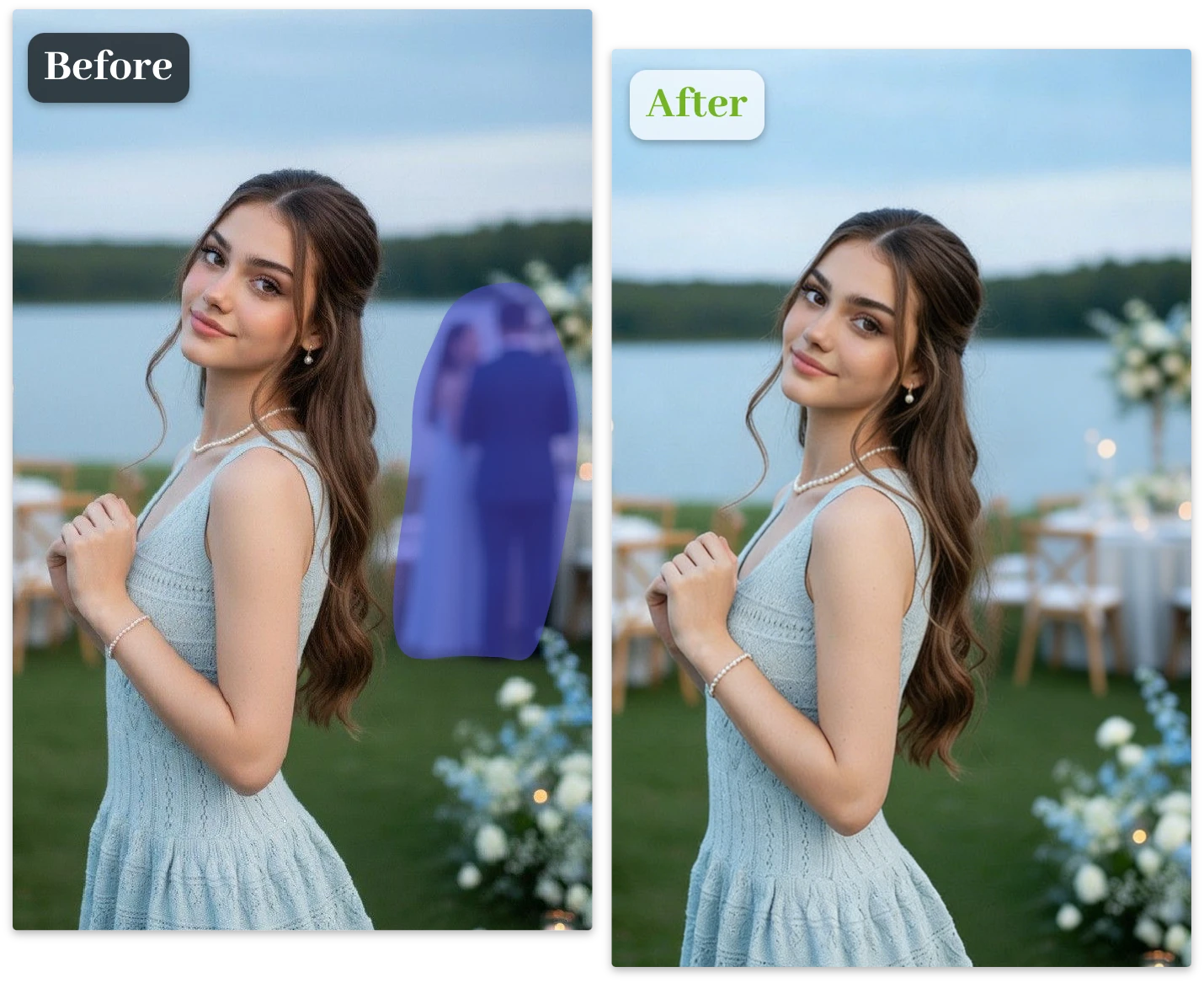
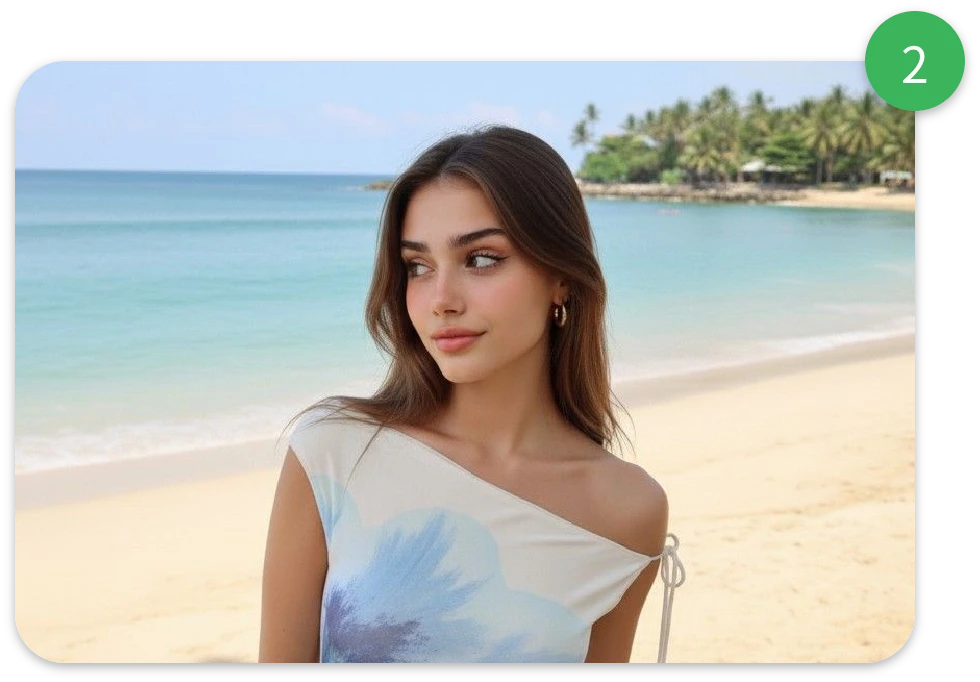
The AI remover analyzes the image and removes people from photo within seconds. Processing usually takes just a few moments.
Preview & Download

3. Preview & Download

Preview the cleaned image and download it instantly. You can also use the erase tool to remove object from photo manually if needed.

Real-World Ways to Remove People From Photos Instantly

Remove Person from Photo Free and Save Your Perfect Moment

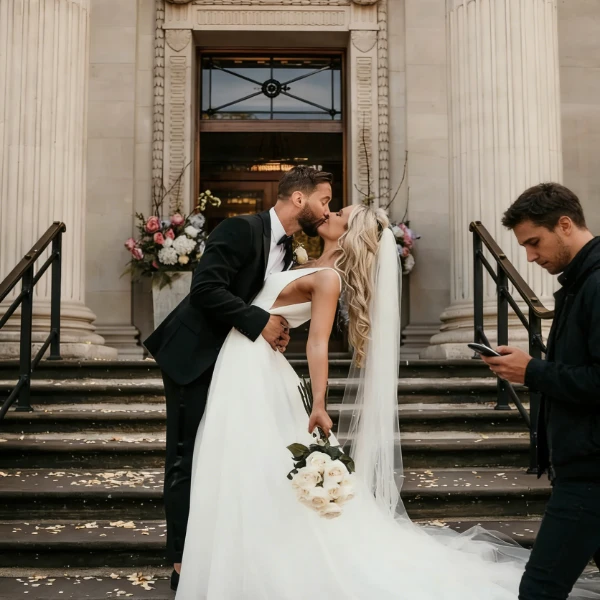
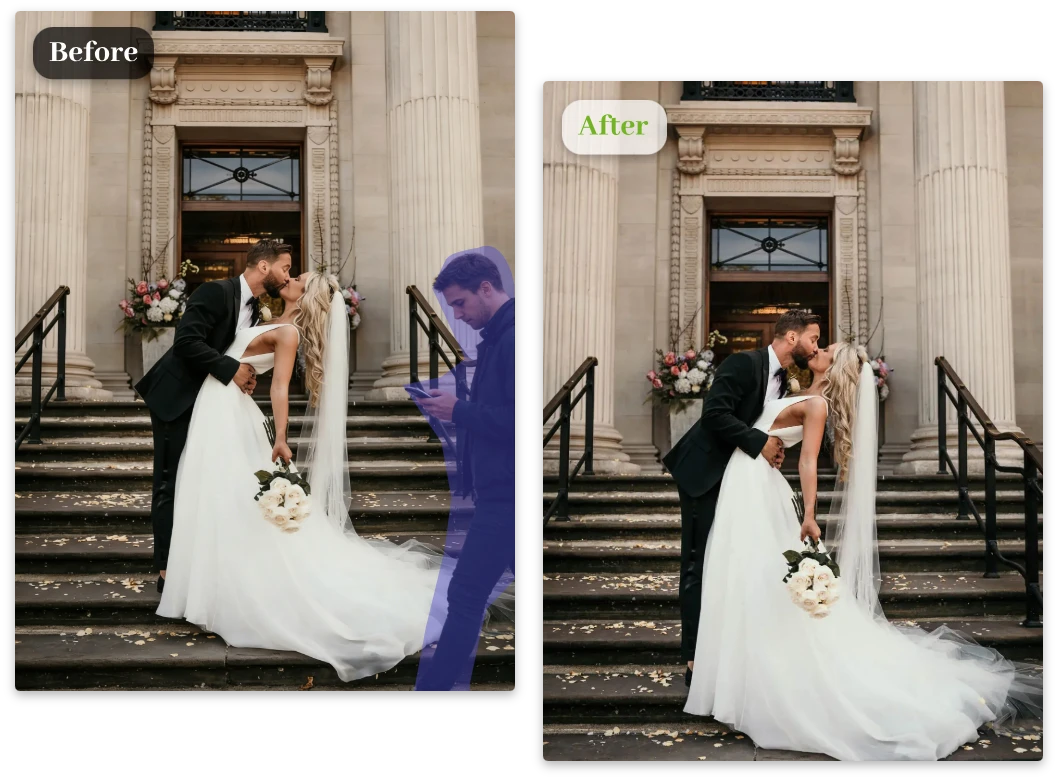
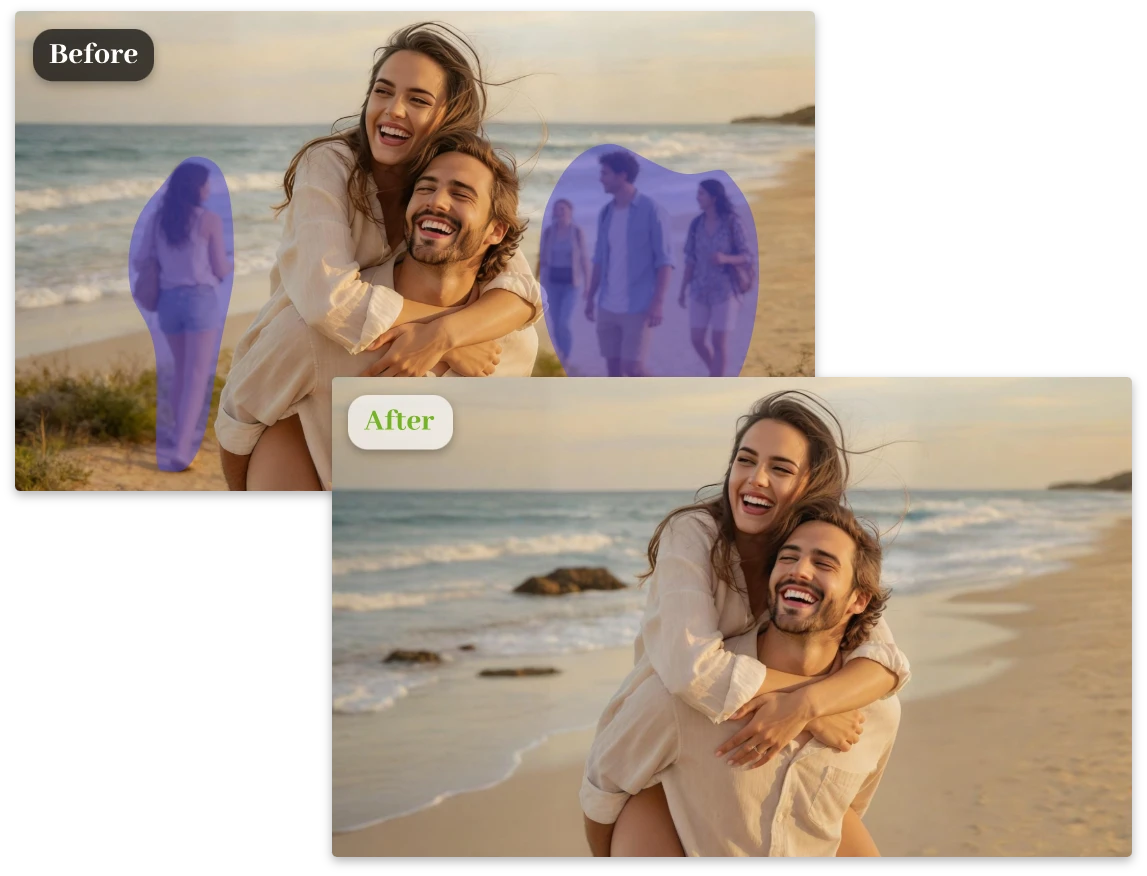
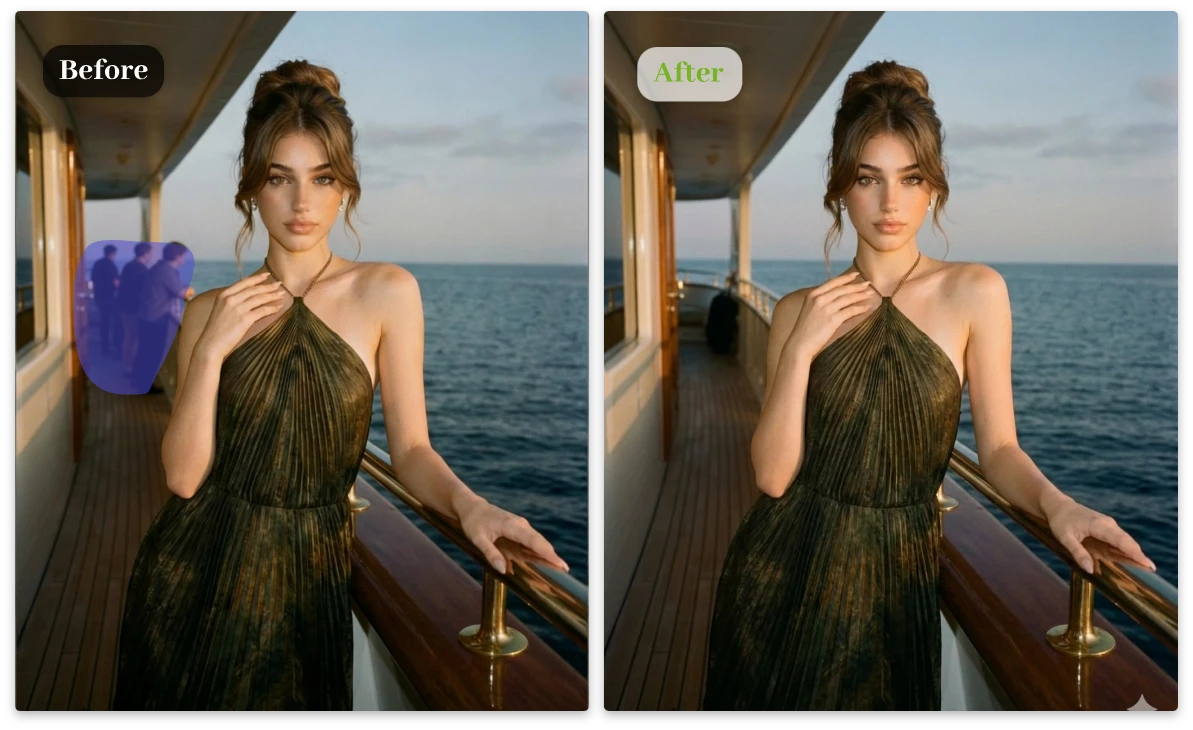
You captured the perfect moment — a wedding shot, engagement photo, or once-in-a-lifetime memory. But a stranger walked into the frame. Our AI helps remove person from photo instantly, restoring the magic of the moment.
Remove Person from Photo Free and Save Your Perfect Moment

Use a Person Remover From Photo AI to Fix Photobombers Instantly

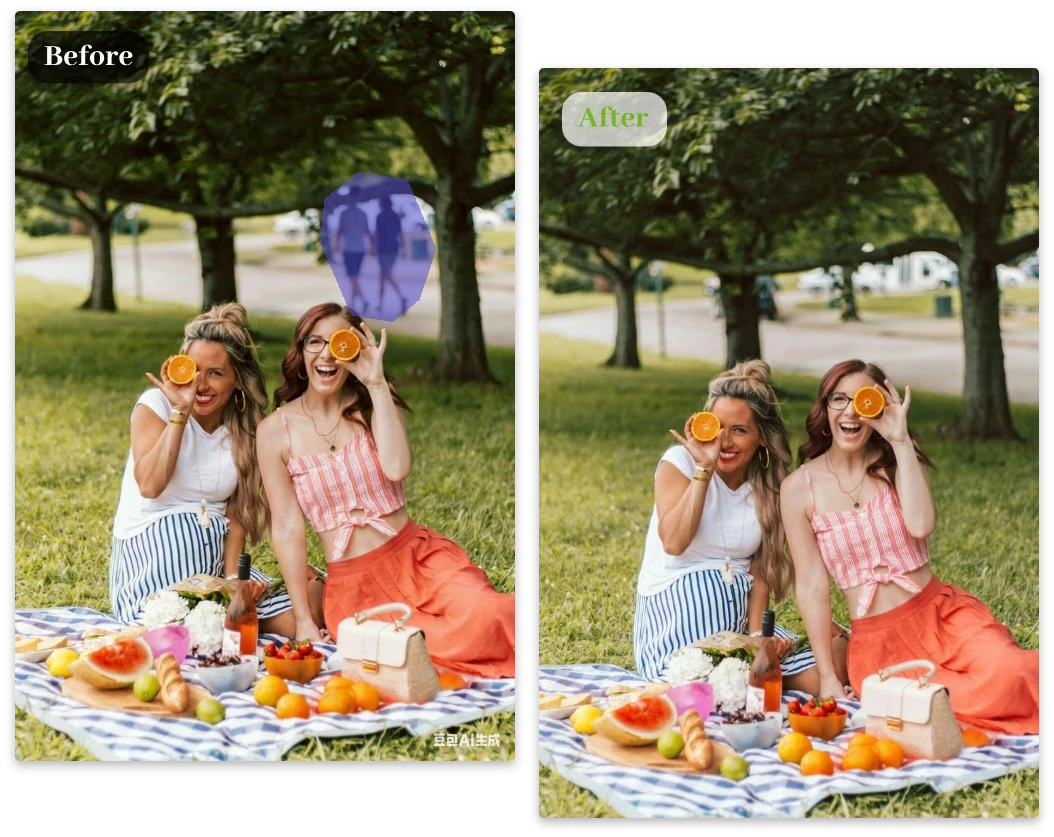
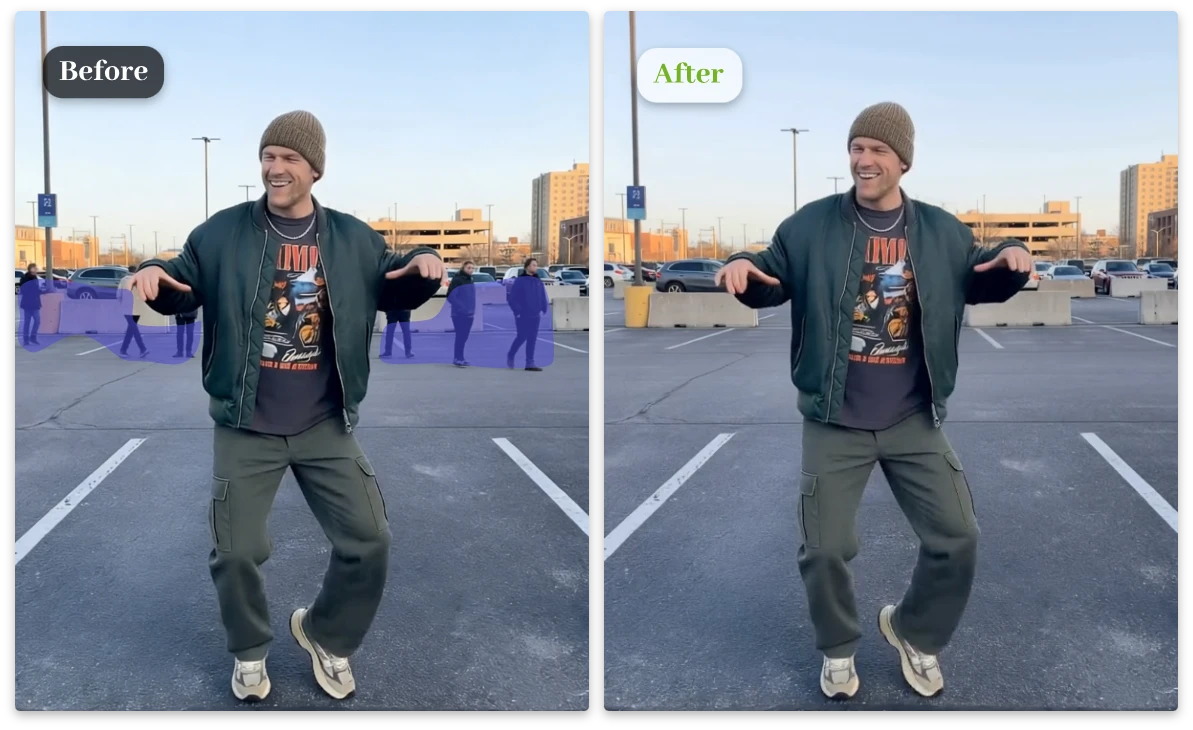
Group photos rarely happen in perfect locations. Busy streets, tourist spots, or events often bring unexpected photobombers. With our AI person remover, you can remove people from photo and keep the focus on your friends.
Use a Person Remover From Photo AI to Fix Photobombers Instantly

AI Person Remover for Cleaner Social Media Photos

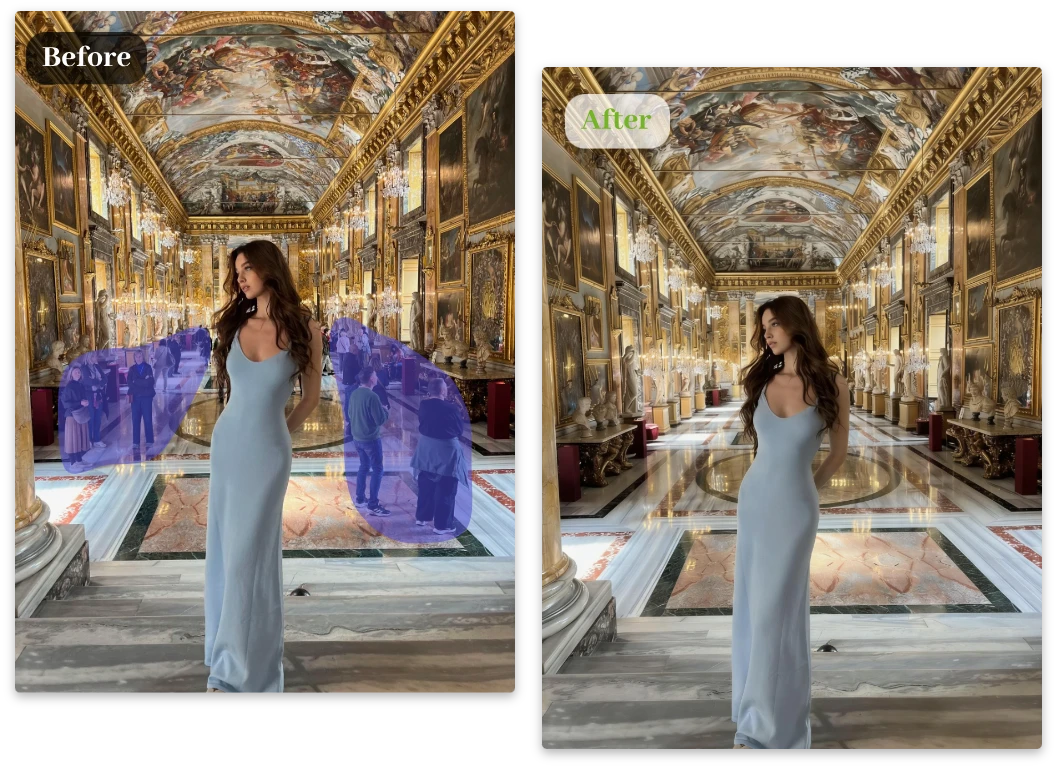
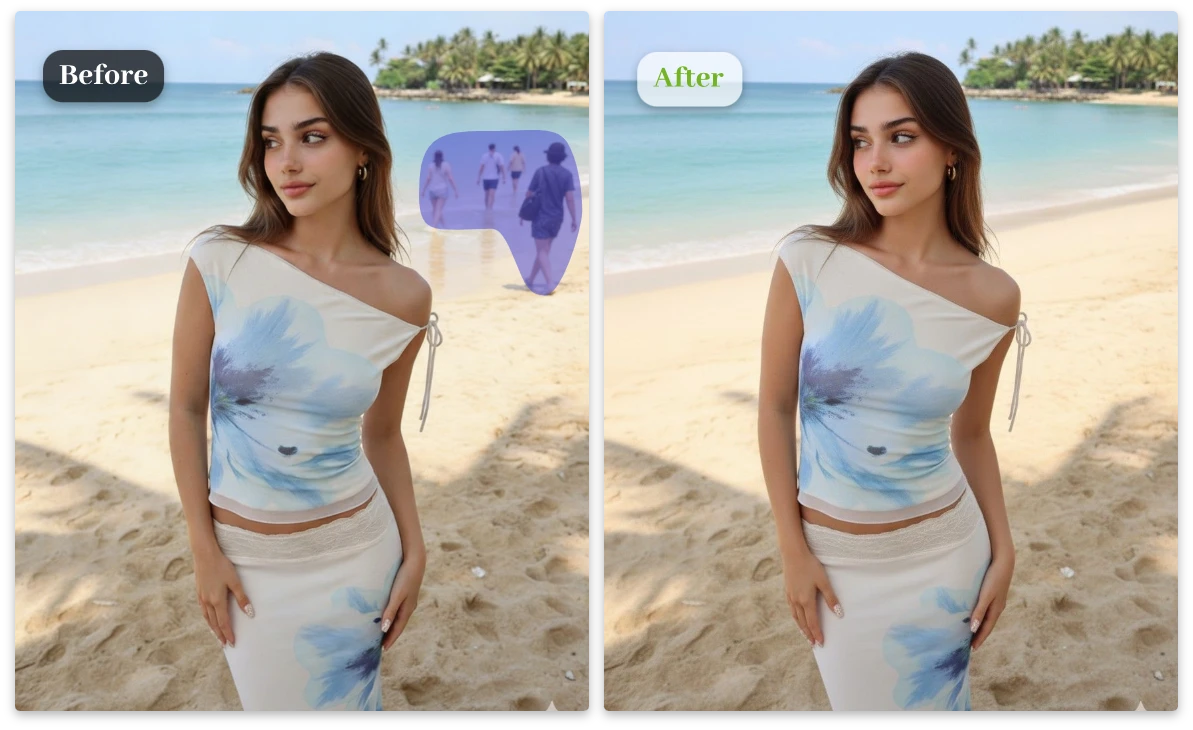
Posting photos on Instagram, TikTok, or video thumbnails? Random people in the background can ruin the visual impact. Our AI person remover helps you remove unwanted people quickly so your content looks clean, polished, and ready to post.
AI Person Remover for Cleaner Social Media Photos

Remove People From Photo and Turn Crowded Shots Into Clean Images

Travel photos often look crowded because of tourists walking through your shot. Instead of waiting for the perfect moment, just take the photo and use our AI to remove people from the photo later. In seconds, it looks like you had the whole place to yourself.
Remove People From Photo and Turn Crowded Shots Into Clean Images

Why Creators Love Our AI Person Remover?

AI Detects and Removes People Automatically

  • No manual selection needed. Our AI scans your image and identifies people instantly, making it easy to remove person from photo without editing skills.

Remove Objects from Photo Without Photoshop

  • Tired of random strangers ruining your photos? This AI person remover removes unwanted people automatically — no complicated tools required.

Restore Natural Backgrounds After Removal

  • After you remove people from photo, the AI intelligently rebuilds the background so your image still looks natural and seamless.

Erase People and Objects in One Click

  • Need to remove more than people? You can also remove object from photo like bags, trash, signs, or distractions.

Lightning Fast AI Image Processing

  • Upload your image and watch the AI remove person from photo within seconds. Fast enough for creators and busy marketers.

Beginner Friendly Photo Editing

  • No design experience required. Just upload, click remove, and download a clean image ready for social media or product pages.

Creators Love How Easily They Remove Person From Photo

Emily Carter
"

I used this tool to remove person from photo in a wedding picture. The result looked natural and took only seconds. Super impressive!
Emily Carter

Daniel Brooks
"

The best AI person remover I’ve tried. It helped remove people from photo without ruining the background.
Daniel Brooks

Sofia Martinez
"

Perfect for social media photos. I removed a stranger from my picture and the AI fixed the background beautifully.

Sofia Martinez

Remove Person From Photo: Everything You Might Want to Know

1. How can I remove person from photo online?

Upload your image to our AI tool and it will automatically detect and remove person from photo. The process usually takes only a few seconds.

2. Is there a way to remove people from photo free?

Yes. Our remove person from photo free tool lets you erase unwanted people quickly without needing complex editing software.

3. Does AI keep the background natural after removing a person?

Yes. The AI rebuilds the missing background after you remove people from photo, keeping textures and lighting consistent.

4. Can I remove objects from images as well as people?

Yes, absolutely. Besides removing people, you can also use our free AI object remover to remove object from photo like signs, bags, shadows, or any unwanted items in the background. Just upload your image and let the AI handle everything automatically — quick, clean, and super easy.

5. Do I need editing skills to use the AI remover?

No editing experience is needed. The AI person remover automatically processes the image and produces a clean result.

6. What types of images work best with AI person remover?

The tool works well for travel photos, wedding pictures, group shots, social media images, and product photos where unwanted people appear.

Upload Your Photo and Remove Unwanted People Instantly

Stop letting strangers ruin your photos. Use AI to remove person from photo and get a clean image in seconds.